
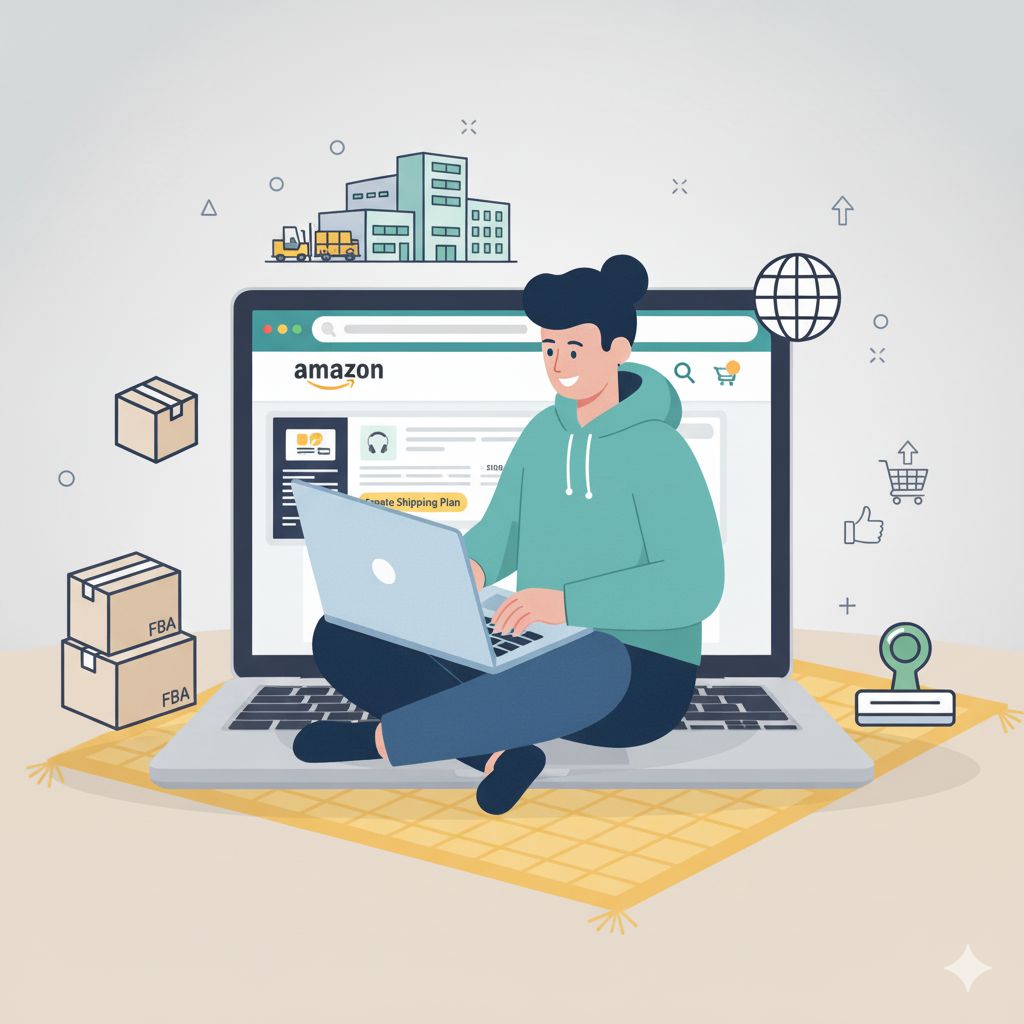
Amazon FBA (Fulfillment by Amazon) is a popular way to sell products online without worrying about storage, packing, or shipping. Amazon handles fulfillment for you, letting you focus on finding products and growing your business. Here’s a simple guide to getting started.
Step 1: Create an Amazon Seller Account
- Go to Amazon Seller Central and choose Individual (for small-scale sellers) or Professional (for larger operations).
- Fill in your details, including name, email, and tax information.
- Verify your account.
Step 2: Research Products
- Use tools like Jungle Scout or Helium 10 to find products with high demand and low competition.
- Consider factors like size, weight, and profitability.
- Check Amazon’s guidelines to ensure your product is FBA-eligible.
Step 3: Source Your Products
- Find suppliers on platforms like Alibaba, local wholesalers, or manufacturers.
- Order samples first to ensure quality.
- Negotiate pricing, shipping, and minimum order quantities.
Step 4: Prepare Your Products for FBA
- Label your products with Amazon barcodes (FNSKU).
- Package products according to Amazon’s requirements.
- Create a shipment plan in Seller Central.
Step 5: Ship Your Products to Amazon Warehouses
- Follow the instructions in your shipment plan.
- Use a reliable courier for international shipping if needed.
- Amazon will store, pick, pack, and ship your products when orders come in.
Step 6: List Your Products on Amazon
- Add product title, description, images, and keywords.
- Set a competitive price.
- Optimize your listing for search visibility.
Step 7: Launch and Promote Your Products
- Run Amazon ads or promotions.
- Encourage reviews from satisfied customers.
- Monitor inventory and sales regularly to keep your business running smoothly.
Tips for Amazon FBA Beginners
- Start small and scale gradually.
- Keep an eye on fees and shipping costs to maintain profitability.
- Continuously research trends and adjust your product selection.
- Focus on customer service — happy customers lead to better rankings.