
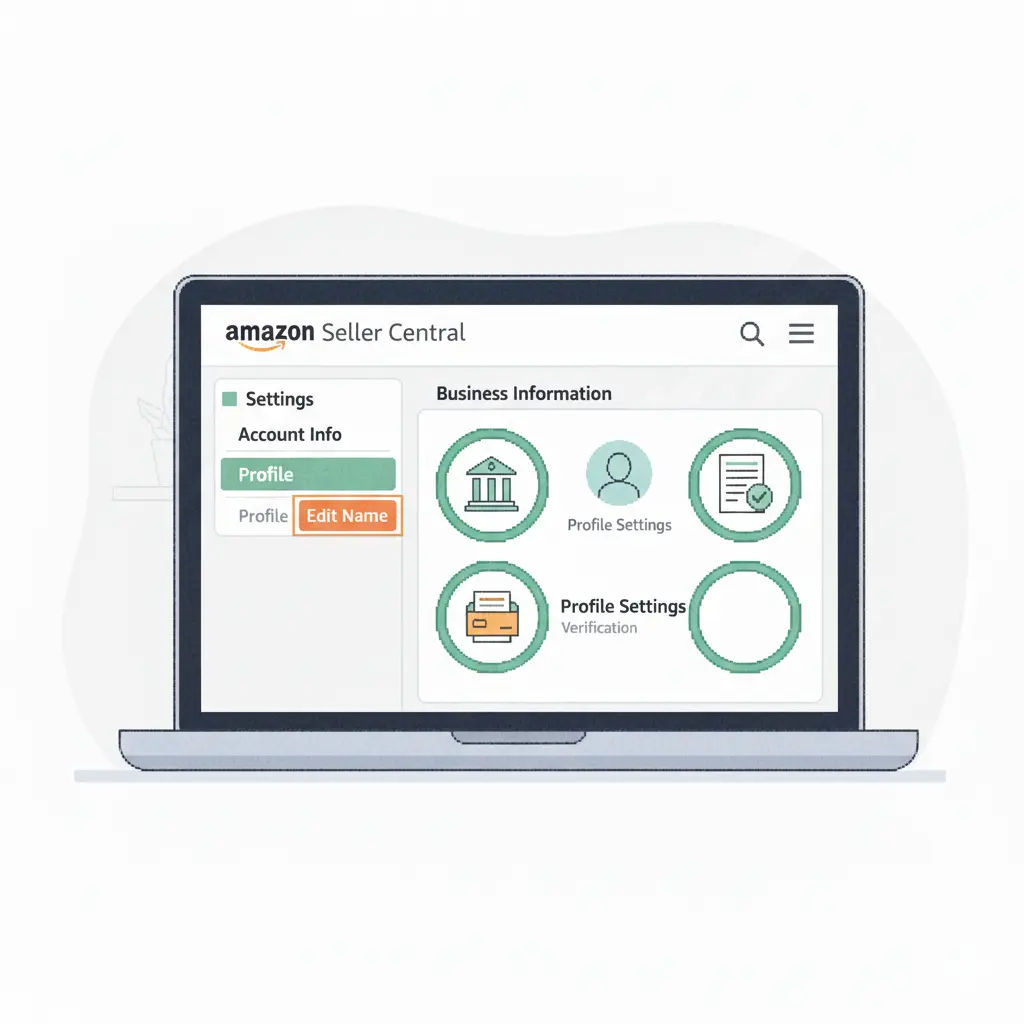
If you recently changed your business name, updated your legal information, or simply made a typo during setup, you may need to change your name on your Amazon seller account. The good news? Updating your name inside Amazon Seller Central is quick and easy when you know where to go.
Here’s a friendly, step-by-step guide to help you update your name without any confusion.
1. Log In to Amazon Seller Central
Go to the Seller Central website and log in using your seller account email and password.
Once you’re inside, you’ll see your main seller dashboard.
2. Go to “Settings”
In the top-right corner of Seller Central, click “Settings.”
A dropdown menu will appear with several account options.
3. Select “Account Info”
From the dropdown menu, choose “Account Info.”
This page shows your business details, legal information, and seller profile.
4. Find the Name You Want to Change
Depending on what name you need to update, there are different sections:
To change your Legal Name or Business Name:
- Go to Business Information
- Click “Legal Entity”
- Choose Edit
- Update your legal or corporate name
(You may be asked for verification documents after changing legal information.)
To change your Display Name (store name):
- Go to Business Information
- Click “Display Name”
- Enter the new store name you want customers to see
The display name is what appears on your Amazon storefront and product listings.
5. Save Your Changes
After editing, click “Submit” or “Save.”
Amazon may send you a verification email or request additional documentation depending on what type of name you changed.
6. Complete Verification (If Required)
If Amazon asks for verification, you may need to upload:
- Government ID
- Business registration document
- Utility bill
- Bank statement
This step ensures your seller account remains secure and compliant.
Tips You Should Know
✔ Your store display name can be changed anytime.
✔ Your legal business name may require verification.
✔ Make sure the name you choose matches your official documents if updating legal info.
✔ Allow some time for Amazon to review major changes.
Final Thoughts
Changing your name inside Amazon Seller Central is simple once you know where the settings are located. Whether you’re rebranding, correcting an error, or updating legal details, Amazon gives you all the tools to keep your account information current and accurate.
With just a few clicks, your seller name will be updated and ready for customers to see.