
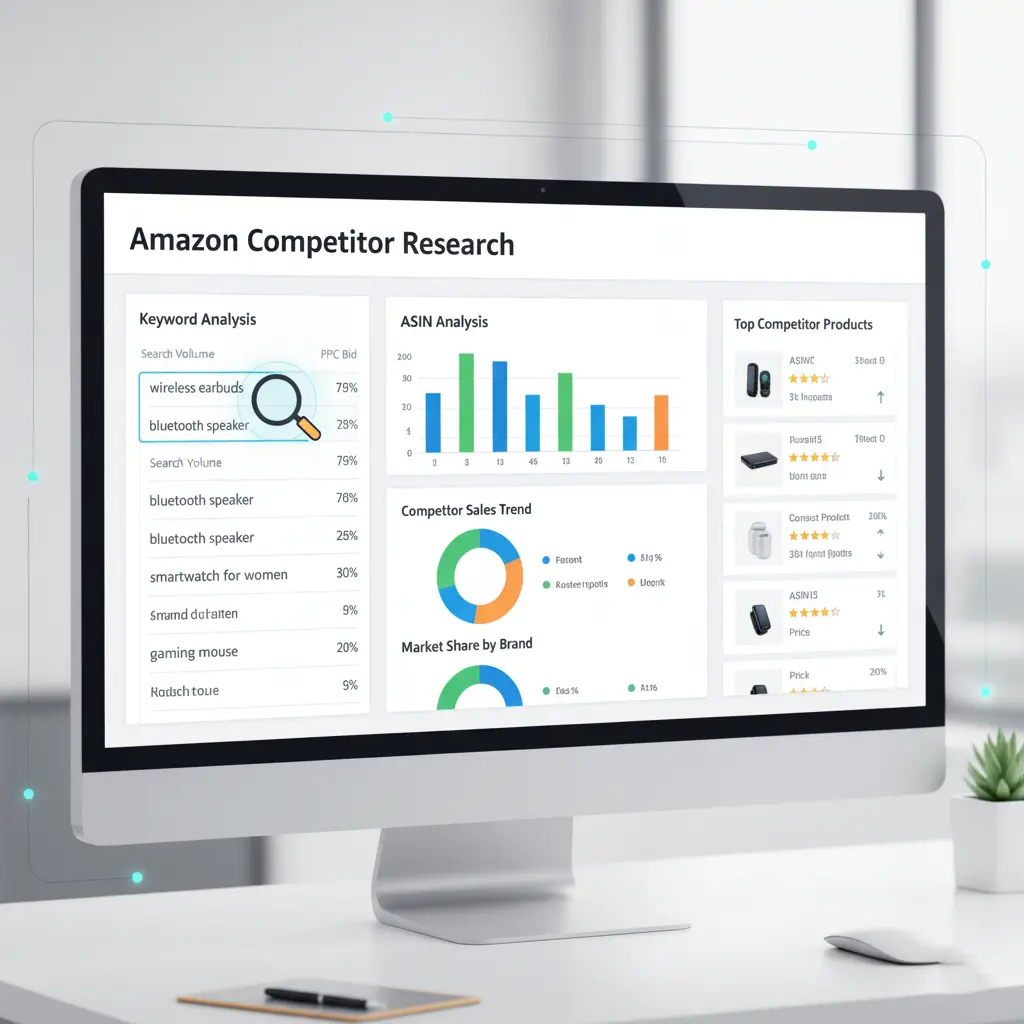
If you’re trying to grow your Amazon business, one of the smartest moves you can make is analyzing your competitors. And the most valuable piece of competitive data you can uncover? Their keywords.
Knowing which keywords your competitors rank for or bid on, can help you optimize your listings, improve your PPC campaigns, and ultimately increase sales. Here’s how to find competitors’ keywords on Amazon step-by-step.
Why Competitor Keywords Matter
Competitor keyword research helps you:
✅ Understand what shoppers actually search for
✅ Identify high-intent keywords you may be missing
✅ Improve your organic ranking
✅ Lower PPC costs by avoiding irrelevant terms
✅ Spy on competitor strategy (okay… “legally analyze”)
In short, it helps you sell smarter.
How to Find Competitors’ Keywords on Amazon
1. Use Reverse ASIN Tools
Reverse ASIN lookup is the quickest way to uncover the keywords your competitors rank for.
Top tools sellers use:
- Helium 10 – Cerebro
- Jungle Scout – Cobalt/Keyword Scout
- MerchantWords
- ZonGuru – Keyword Spy
- AMZScout
How it works:
You enter any competitor’s ASIN → the tool shows the exact keywords they rank on Page 1, estimated search volume, PPC bids, and ranking difficulty.
Best For: Complete keyword harvesting
2. Analyze Competitor Listings Manually
You can learn a LOT simply by studying your competitor’s product page.
Check their:
- Title (main keywords)
- Bullets (feature-specific keywords)
- Description/A+ content (supporting keywords)
- Reviews (natural long-tail keywords)
Reviews often reveal phrases customers actually use, which your competitors might not be targeting — this is keyword gold.
3. Use Brand Analytics (Brand Registered Sellers Only)
If you’re brand registered, Amazon Brand Analytics gives you powerful keyword insights:
- Search Query Performance
- Top Search Terms
- Market Basket Analysis
- Customer Demographics
You can look up a competitor’s brand or product type and see what major keywords drive traffic in that category.
Best For: High-level keyword strategy & competitive market insights
4. Analyze Competitors’ PPC Ads
Your competitors’ ads reveal what they think is worth bidding on.
Ways to check:
- Look at where their Sponsored Products appear
- Scan Sponsored Brand banners
- Notice Sponsored Display placements
- Use tools like Helium 10’s Adtomic or Perpetua for PPC keyword data
If they’re bidding aggressively on certain keywords, those terms are likely profitable.
5. Use Amazon Search Bar Autocomplete
Type your product keyword into Amazon’s search bar and watch the suggestions appear.
These suggestions are:
- Real customer searches
- Often long-tail
- Sometimes used by competitors
- Great for targeting low-competition keywords
Use autocomplete variations like:
- “keyword a…”
- “keyword b…”
- “keyword for…”
This gives you dozens of extra ideas.
6. Check the “Customers Also Viewed / Bought” Sections
These sections help you identify:
- Direct competitors
- Indirect competitors
- Product substitutes
- Products your audience also buys
Once you know your competitors, plug their ASINs into a reverse ASIN tool to extract their keywords.
7. Leverage Google Keyword Tools
Although Amazon search differs from Google, using tools like Google Keyword Planner or Google Trends can reveal:
- Seasonal shifts
- High-demand search terms
- Trending product-related keywords
Many Amazon competitors target these terms as well, especially for informational content or top-funnel PPC.
Final Thoughts
Finding competitors’ keywords on Amazon isn’t difficult, the real power lies in how you use them. By combining reverse ASIN tools, listing analysis, Brand Analytics, and PPC insights, you can build a keyword strategy that outperforms competitors and attracts high-intent shoppers.
Keyword research is not a one-time task. Update your strategy regularly and watch your rankings and sales grow.