
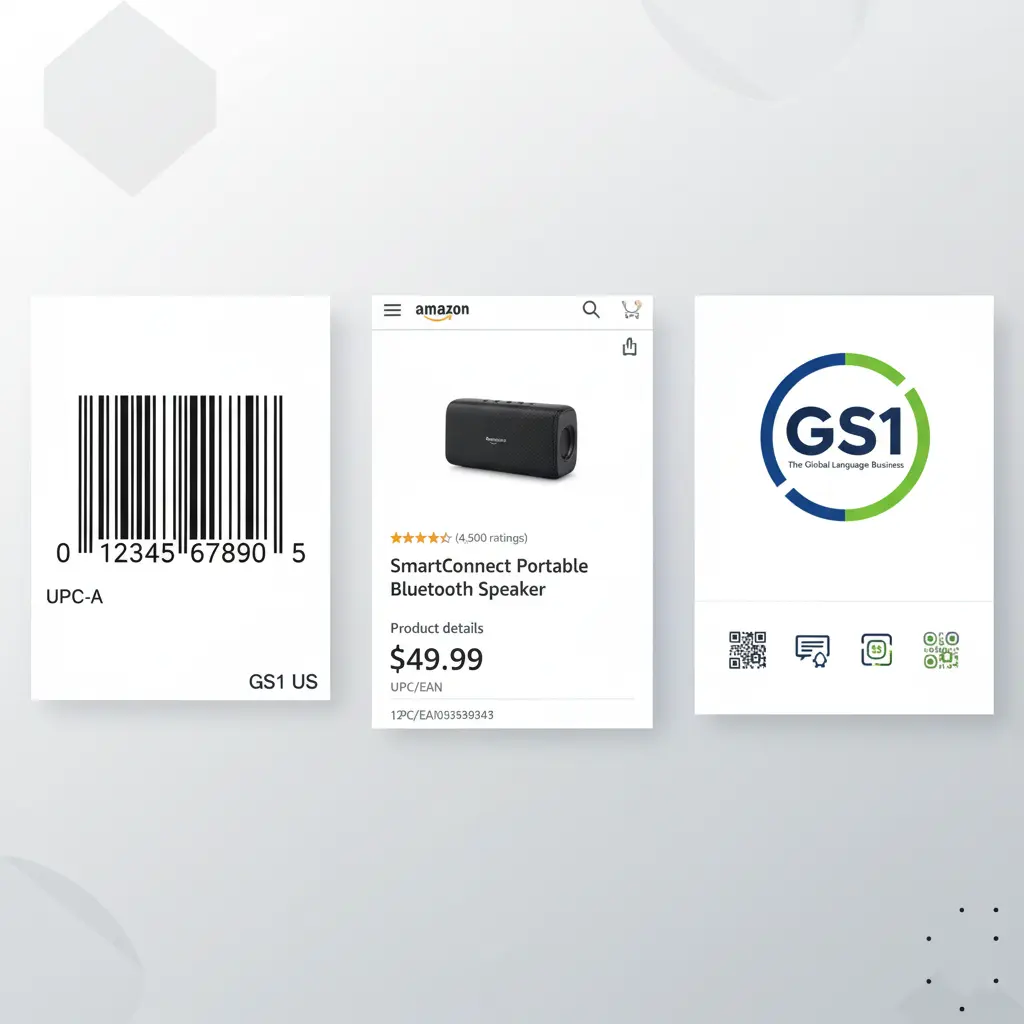
If you’re planning to sell on Amazon, one of the first things you’ll need is a UPC code. Whether you’re launching a private label product or listing your first item, understanding how UPCs work, and where to get them, is essential.
In this guide, you’ll learn exactly how to get a UPC code for Amazon, avoid common mistakes, and keep your listings compliant.
What Is a UPC Code?
A UPC (Universal Product Code) is a 12-digit barcode used to identify retail products. Amazon requires UPCs (or other approved identifiers like EAN or GTIN) to:
- Create new listings
- Track inventory
- Prevent duplicate products
- Validate brand authenticity
If you’re creating your own product listing, you need your own unique UPC, unless Amazon grants you a GTIN Exemption.
Where to Get a UPC Code for Amazon
1. GS1 — The Only Amazon-Approved Source
If you want a legitimate, Amazon-accepted UPC, you must purchase it from GS1 (Global Standards 1).
Why GS1?
- Amazon verifies UPC ownership
- Prevents listing errors and brand mismatches
- Ensures your UPC matches your brand prefix
- Avoids account warnings and listing suppression
You can purchase UPCs at:
GS1 US, GS1 UK, GS1 Canada, etc., depending on your country.
What you get from GS1:
- A company prefix (your brand’s unique identifier)
- Individual UPCs
- Access to GS1’s product database (GEPIR)
2. Avoid “Cheap UPC” Sellers
You’ll often see inexpensive UPCs sold online — but these do not belong to your brand, and Amazon often rejects them.
Using non-GS1 UPCs can cause:
- Listing errors (“Invalid Product Identifier”)
- Hijacked listings
- Brand mismatch warnings
- Loss of Buy Box
- Even account suspension in severe cases
Always use GS1 for full compliance.
How to Buy a UPC Code from GS1 (Step by Step)
Step 1: Go to the GS1 Website
Search for your local GS1 organization (GS1 US, GS1 UK, etc.).
Step 2: Choose Your Option
GS1 offers:
- Single UPCs (for small sellers or single product launches)
- Company Prefix packages (for brands with multiple SKUs)
Step 3: Register Your Brand Information
You’ll enter:
- Business name
- Contact info
- Product details
Step 4: Assign a UPC to Each Product Variant
Each variation needs a unique UPC:
- Color
- Size
- Style
- Multipacks
Step 5: Use Your UPC in Amazon Seller Central
When creating a new listing, enter your UPC in the Product ID field.
Amazon will validate it against GS1 records.
Do You Always Need a UPC for Amazon?
Not necessarily. Amazon allows sellers to request a GTIN Exemption if:
- You’re selling handmade or custom products
- Your brand isn’t registered anywhere
- Your product doesn’t have a barcode
- Your category allows exemptions
If approved, you can list products without UPCs.
UPC vs. FNSKU: What’s the Difference?
Many new sellers confuse these two identifiers.
| UPC | FNSKU |
|---|---|
| Used everywhere | Only for Amazon FBA |
| Identifies the product globally | Identifies the seller of the product |
| Printed on retail packaging | Attached to each FBA unit |
| Purchased from GS1 | Generated in Seller Central |
If you sell FBA, you’ll still use Amazon’s FNSKU, even if you have a UPC.
Final Thoughts
Getting a UPC code for Amazon is simple, but only if you do it the right way. Always purchase your UPCs from GS1 to avoid listing issues and ensure brand authenticity. Whether you’re launching a single product or building a large catalog, the right UPC setup protects your listings and keeps your Amazon business compliant.