
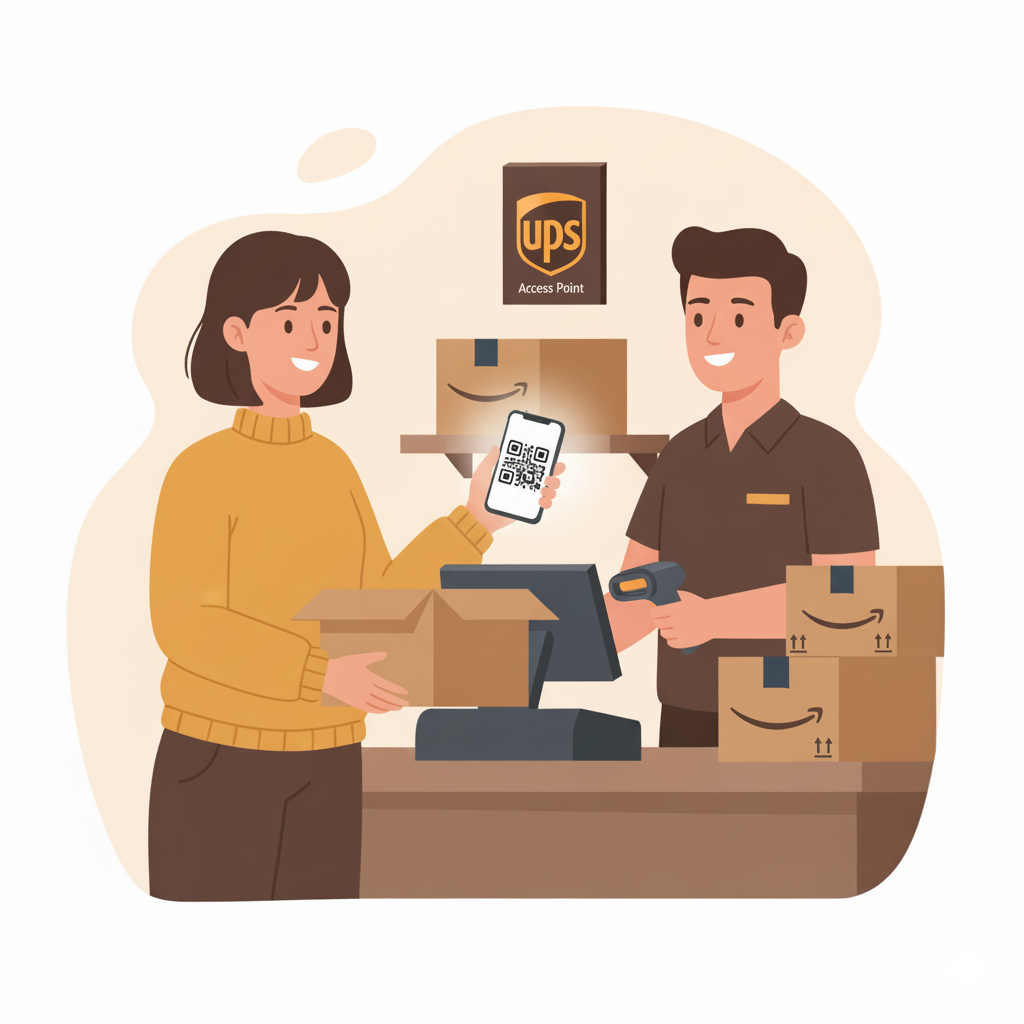
Whether you ordered the wrong size, received something damaged, or simply changed your mind, Amazon makes returning items incredibly easy. With multiple drop-off locations, label-free returns, and fast refunds, the process is more convenient than ever.
Below is a simple, friendly guide showing how to return items to Amazon using both the website and the mobile app.
1. How to Return Items to Amazon on the Website
If you’re on your laptop or desktop:
- Go to Amazon.com and log into your account.
- Hover over “Accounts & Lists” and click “Your Orders.”
- Find the item you want to return.
- Click “Return or Replace Items.”
- Choose a reason for the return.
- Select whether you want a refund, replacement, or repair.
- Pick your return method: UPS Store, Kohl’s, Amazon Hub, mail-in, etc.
- Follow the instructions—many options don’t require printing a label.
- Drop off your item at the chosen location.
➡️ Most returns are free and don’t require a box or shipping label when dropped off at UPS or Kohl’s.
2. How to Return Items Using the Amazon App
The Amazon app makes returning items quick and mobile-friendly:
- Open the Amazon app and sign in.
- Tap the profile icon at the bottom.
- Select “Your Orders.”
- Choose the item you want to return.
- Tap “Return or Replace Items.”
- Select your return reason.
- Choose your refund or replacement.
- Pick a drop-off location or shipping method.
- Show the QR code at the drop-off location (if label-free).
You’ll receive email updates throughout the return and refund process.
3. Amazon Return Methods Explained
Amazon offers several convenient return options:
✔️ UPS Store Drop-Off
- No box needed
- No label required
- Just show your QR code
✔️ Kohl’s Drop-Off
- Also label-free
- Often gives coupons as a bonus
✔️ Amazon Locker or Hub Counter
- Self-service and secure
- May require original packaging
✔️ Mail-in Return
- Print your label
- Pack the item securely
- Drop off at the carrier listed
✔️ At-Home Pickup (for large items)
- Amazon or a carrier will collect the item from your doorstep
4. How Long Do Refunds Take?
Refund timing depends on how you paid:
- Amazon gift card: Instant or within 24 hours
- Credit/debit card: 3–7 business days
- Bank account: Up to 10 days
- Replacement items: Usually sent once your return begins processing
Amazon often provides instant refunds for some products.
5. Can You Return Items to Amazon Without the Original Box?
Yes!
Most returns do not require the original box, especially if you’re using:
- UPS
- Kohl’s
- Amazon Hub locations
Just bring the item itself Amazon handles the packaging.
6. Tips for Smooth Amazon Returns
- Return within 30 days (some items have extended windows)
- Check for “Free Returns” before buying
- Always bring the QR code for label-free returns
- Take photos of damaged items when submitting a reason
Final Thoughts
Returning items to Amazon is designed to be fast, simple, and hassle-free. Whether you return through UPS, Kohl’s, or an Amazon Locker, you’ll typically be in and out within minutes. Use the steps above to make your next Amazon return smooth and stress-free.