
Ordering on Amazon is incredibly convenient—but what if something arrives damaged, doesn’t fit, or simply isn’t what you expected? The good news is that Amazon’s return process is fast, easy, and usually free.
Whether you’re using the Amazon app or the website, this step-by-step guide shows you exactly how to return items on Amazon, along with tips to make sure your refund is processed smoothly.
1. How to Return Things on Amazon (Website Method)
If you’re on a computer or browser, follow these steps:
- Go to Amazon.com and sign in.
- Hover over “Accounts & Lists” and click “Orders.”
- Find the item you want to return.
- Click “Return or Replace Items.”
- Choose the reason for your return from the dropdown menu.
- Select whether you want a refund, replacement, or repair (if available).
- Choose your return method (UPS store, Kohl’s, Amazon Hub, mail-in, etc.).
- Print the return label (if required).
- Drop off your item using the method you selected.
➡️ Most Amazon returns do NOT require a box or label when dropping off at UPS or Kohl’s.
2. How to Return Things on Amazon Using the App
Returning via the Amazon app is just as easy:
- Open the Amazon app and log in.
- Tap the profile icon at the bottom menu.
- Select “Your Orders.”
- Tap the item you want to return.
- Choose “Return or Replace Items.”
- Select the reason for return.
- Pick your refund method and return drop-off location.
- Follow the instructions for label-free or box-free returns.
You’ll receive a confirmation email once your return is processed.
3. Amazon Return Options Explained
Amazon typically offers these return methods:
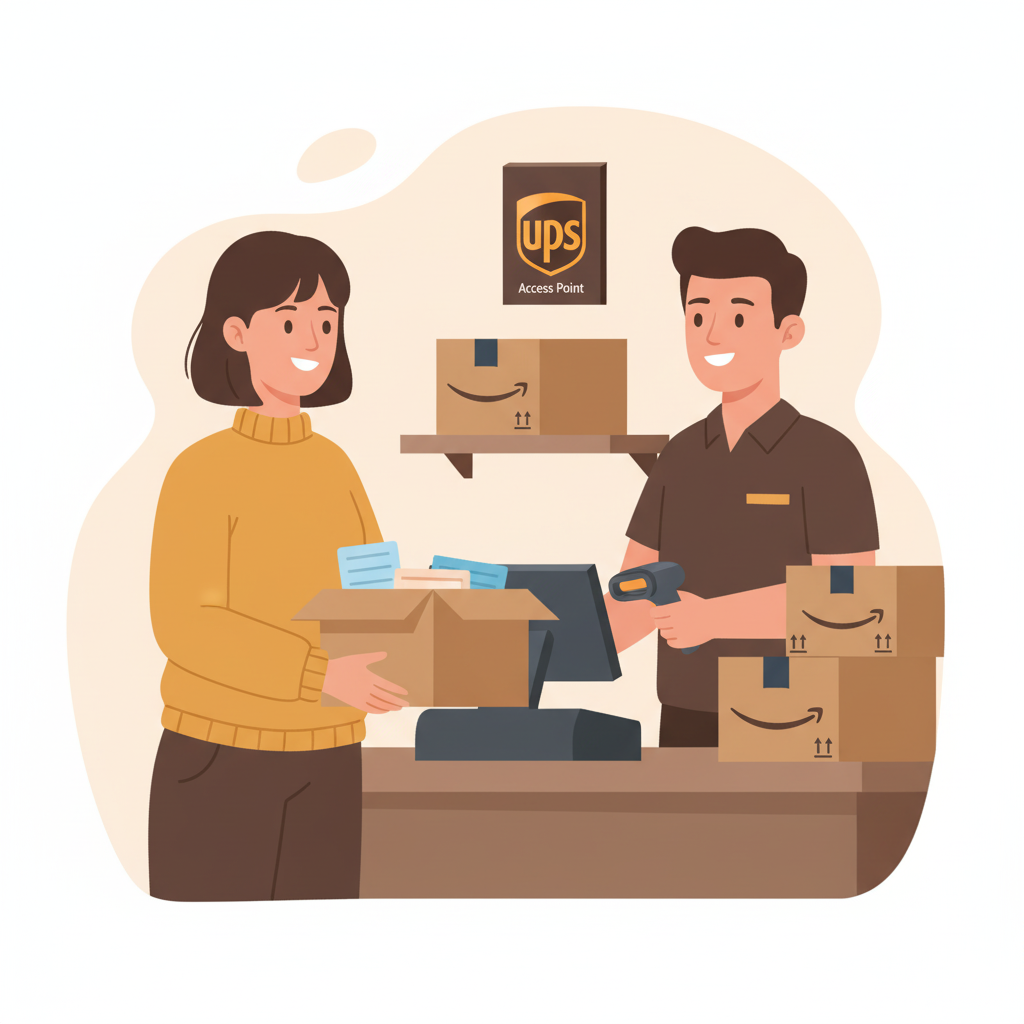
✔️ UPS Store Drop-Off (Most Common)
- No box or label needed
- Just show the QR code
✔️ Kohl’s Drop-Off
- Also label-free
- Kohl’s often gives coupons for returning Amazon items
✔️ Amazon Locker or Amazon Hub
- Secure, self-service returns
- You may need the original packaging
✔️ Mail-In Return
- Print a label
- Box the item and ship it back
✔️ Pickup at Your Home
- Available for large or oversized items
Return options depend on the item, your location, and the seller.
4. How Refunds Work on Amazon
Refunds are typically issued once Amazon receives and inspects your item.
Refund Timeframes
- Amazon-sold items: Sometimes refunded instantly
- Third-party sellers: Usually processed within 2–5 business days
- Payment methods:
- Credit/Debit card: 3–7 business days
- Amazon gift card: Immediately
5. Can You Return Something on Amazon Without the Packaging?
Yes!
Most Amazon returns do NOT require the original box, especially when using UPS or Kohl’s drop-off.
However, you should:
- Bring all included accessories
- Ensure the item is in good condition (unless it arrived damaged)
6. Tips for Hassle-Free Amazon Returns
- Return within 30 days for most items (holiday purchases often have extended windows)
- Keep an eye out for “free returns” on product listings
- Take photos before returning if something arrived damaged
- Use QR codes for faster, label-free returns
Final Thoughts
Returning things on Amazon is designed to be quick and stress-free. Whether you’re using the website or app, you can complete a return in just a few clicks and drop your item off without printing anything.